Password managers aren’t just convenient—they may be the most effective way to protect your data. Creating, storing, and even sharing ultra-strong passwords can now be effortless, thanks to an array of sophisticated and affordable tools.
Subscribe
Security and Privacy Features
Software Reviews
Best password managers: 6 trustworthy options

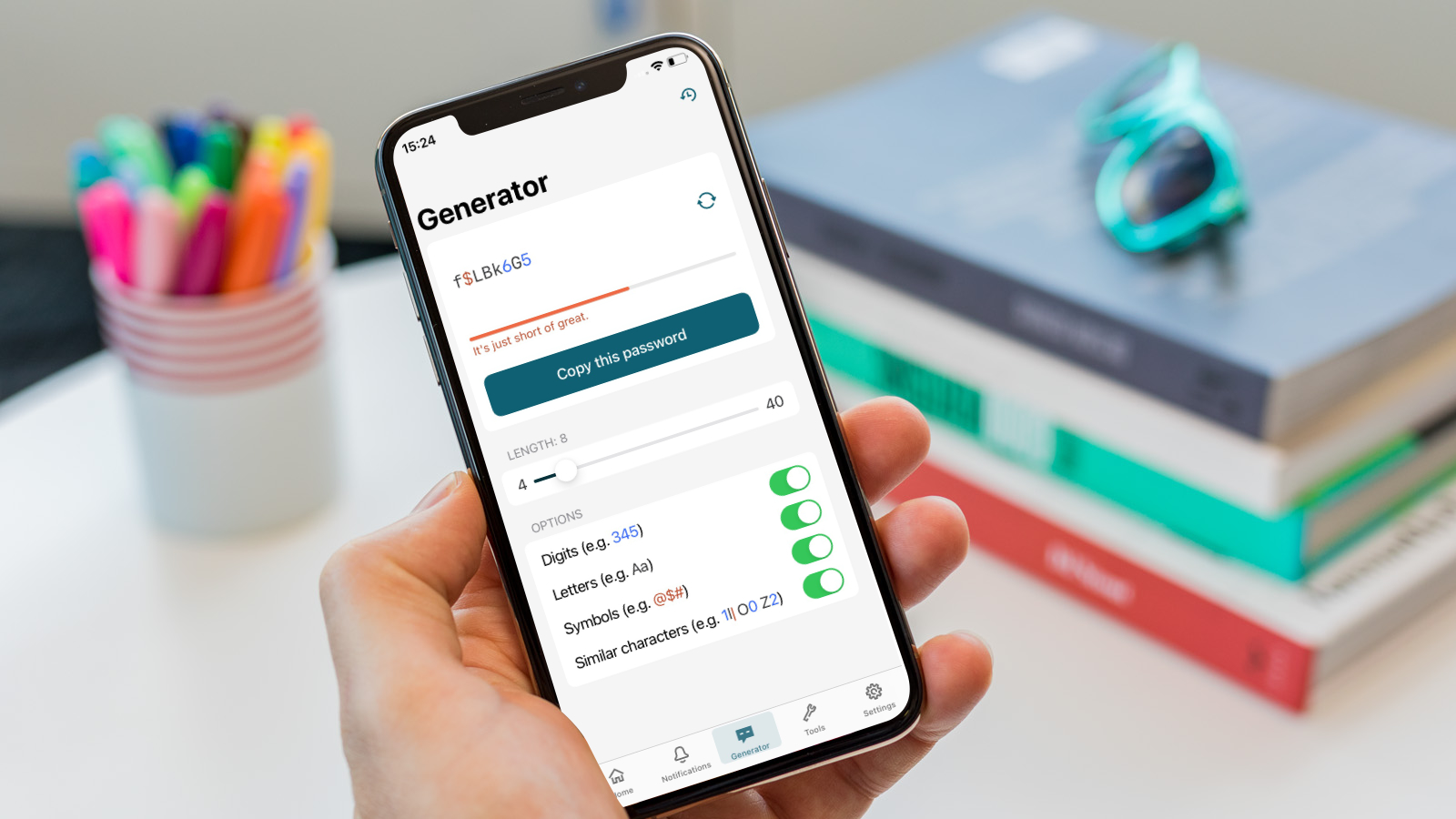
Photo by Pcworld
Key Takeaways:
- Password managers generate and safeguard complex passwords.
- Top-tier services offer extra features like VPNs or dark web monitoring.
- Plans vary from free (highly capable) to premium family subscriptions.
- Dashlane discontinued its free plan but adds advanced security perks.
- KeePass remains a strong offline option for advanced users.
A Growing Need for Smarter Protection
Weak passwords—especially reused ones—can lead to devastating data breaches. Modern password managers aim to eliminate that risk by generating and storing long, unique passphrases. Many of them encrypt your data and require only one master password (though some also accept alternatives like biometrics or a PIN). Faster logins and auto-fill across websites are part of their appeal, as is being able to sync information across multiple devices.
Dashlane: Comprehensive Security and Convenience
Dashlane stands out for its elegant interface and wide-ranging capabilities. Pricing begins at $33 per year for the Advanced plan, while Premium costs $59.88 and includes a VPN; it also features dark web monitoring to warn you if personal information leaks. Dashlane recently discontinued its free plan (this change goes into effect September 2025), making all its offerings paid. Despite the added cost, many users find it worth the investment for convenience, reliable password storage, and autofill. Families can opt for the Friends and Family plan, extending Premium features to up to 10 accounts.
NordPass: Balancing Ease and Affordability
NordPass matches its peers in functionality while providing an interface that’s easy on newcomers. It runs on Windows, macOS, Android, iOS, and Linux, with browser extensions for major browsers. Premium upgrades include email mask capabilities to keep your information more private. On the downside, NordPass requires logging into the broader Nord Security ecosystem, then unlocking your vault with a separate password—a minor inconvenience if juggling multiple devices. Still, its pricing can be quite affordable when taking advantage of promotions.
Keeper: Built with Security in Mind
Many password managers prioritize security, but Keeper leans in heavily, foregoing even an automatic password update feature because it would temporarily allow access to credentials. Keeper’s once utilitarian interface is steadily improving—more user-friendly but still backed by strong encryption and cross-platform performance. For extremely cautious users, Keeper can be a particularly appealing choice, even though other services might match it for cost or design.
LogMeOnce: Master Password Optional
Tired of even one password? LogMeOnce offers alternative ways to unlock your vault, including PINs, biometrics, or even a photo login. As with most managers, you can store passwords, credit card details, and other private information in its end-to-end encrypted vault. LogMeOnce also offers cybersecurity monitoring tools for added cost, making it a contender if you find standard password managers restrictive or if you prefer a more flexible login method.
Bitwarden: Leading the Free Pack
If the budget is tight, Bitwarden is arguably king of the zero-cost realm. Unlike many free plans, which often limit how much you can store or how many devices you can sync, Bitwarden grants unlimited passwords and cross-device syncing at no charge. For just $10 a year, extra features like advanced two-factor authentication become available. The trade-off? Its interface isn’t as polished as some competitors, so new users might need some patience to get set up.
KeePass: The Tinkerer’s Choice
KeePass is open-source and offers no cloud-based syncing by default—your data remains local unless you configure add-ons. This approach appeals to tech-savvy users who desire maximum control and minimal exposure. It doesn’t have the most user-friendly interface, and features like auto-fill may demand separate plugins, but the payoff is total command over your vault.
What to Look For in a Password Manager
No matter which manager you choose, remember the essentials:
• A variety of operating systems supported.
• A reliable browser extension for easy logins.
• Robust encryption, ideally with two-factor or biometric authentication.
• Additional extras like emergency contact access or passkey support.
Many providers, including Dashlane, NordPass, and Keeper, allow you to store passkeys—a new frontier in secure online authentication. If passkeys become universal, you’ll want a manager that’s prepared.
Notable Mention: LastPass’s Recent Breach
A significant data breach in 2022 tarnished LastPass’s reputation, prompting users to rethink their password manager choice. Transitioning from one service to another can be complicated if exporting password data doesn’t work correctly. With that in mind, it’s often best to start with a manager that excels in reliability and security from the outset.
Final Thoughts on Safety
No solution is perfect, but password managers significantly reduce your vulnerability by organizing and securing one of your most critical lines of defense: your passwords. Whether you pay for features like an integrated VPN or rely on a free plan, the true measure of a password manager lies in how it simplifies your life and tightens your online defenses. Above all, choose a strong master password or alternative login method—your entire vault’s protection hinges on it.