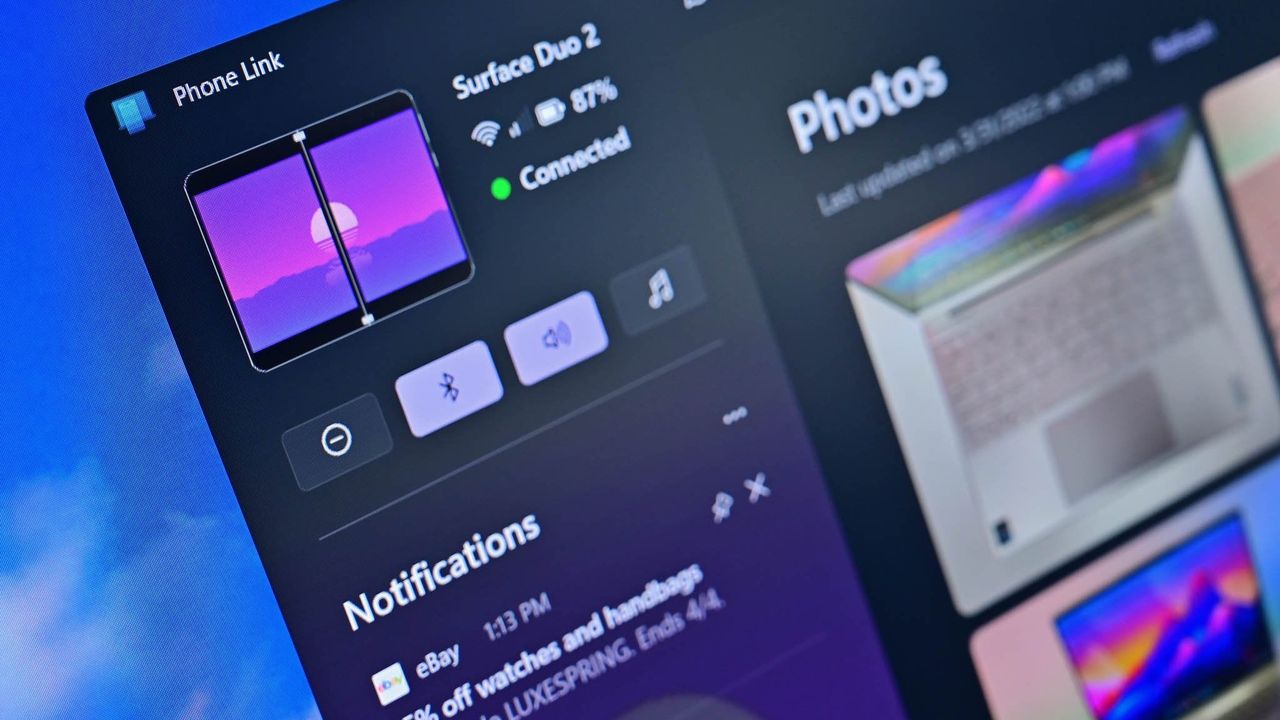
Microsoft wants to integrate your smartphone more deeply with Windows 11: Plans major UX enhancements that will make your PC and phone more seamlessly connected

Microsoft appears poised to enhance how smartphones and Windows 11 interact. Sources indicate new features could arrive in the coming months, promising major UX enhancements and a more unified connection across devices.

Microsoft wants to integrate your smartphone more deeply with Windows 11: Plans major UX enhancements that will make your PC and phone more seamlessly connected

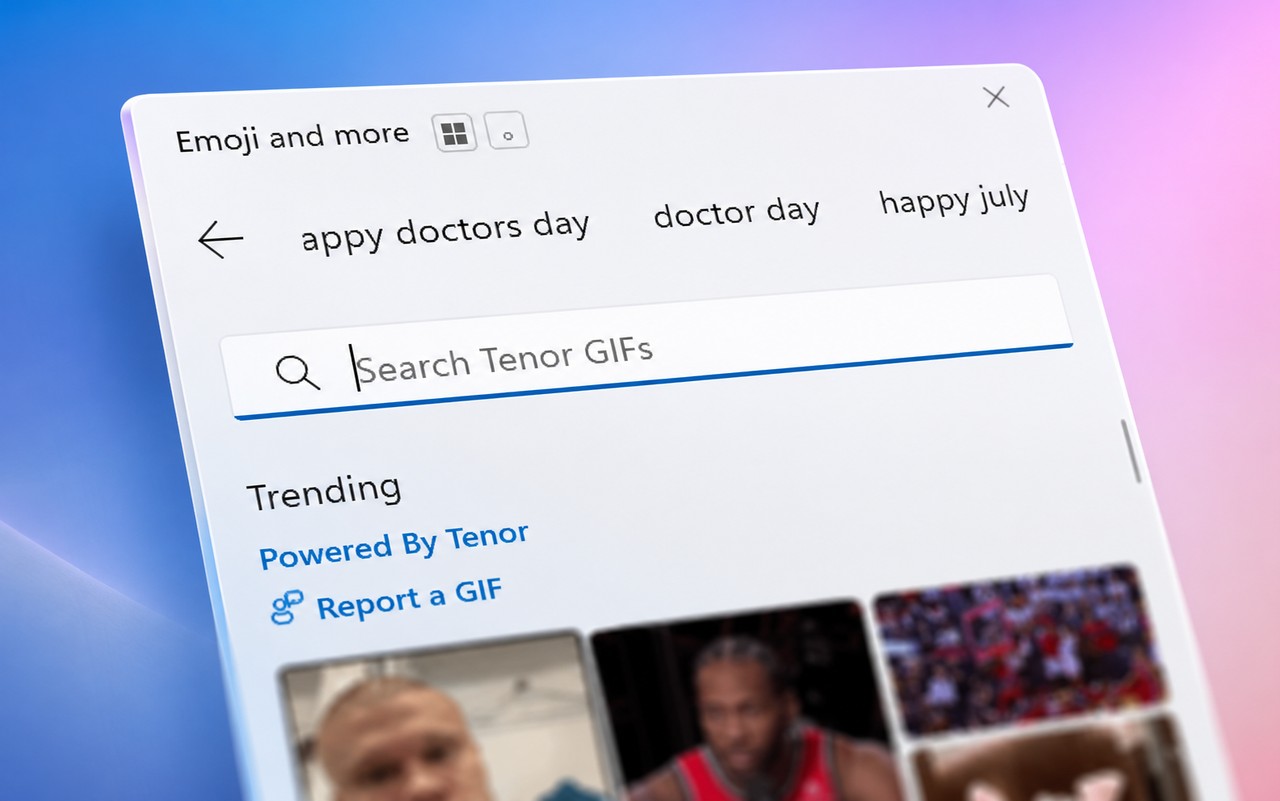
Microsoft Explains Why GIFs Stopped Working in Windows 11

GIFs vanished from Windows 11’s emoji panel, initially puzzling users and causing speculation about a potential Windows bug. Microsoft quickly clarified the disruption was rooted in a third-party service dependency—specifically Google’s Tenor.

Microsoft Explains Why GIFs Stopped Working in Windows 11

Microsoft Releases Windows 11 KB5102558 and KB5095615 Dynamic Updates

Microsoft has introduced two new Windows 11 Dynamic Updates, marking the next step in improving system recovery and setup processes. Paired with the recent C-release preview update, KB5095093, these updates help streamline future feature rolls and ensure a smoother upgrade experience.

Microsoft Releases Windows 11 KB5102558 and KB5095615 Dynamic Updates

Windows 11 unlocks Wi-Fi 7 enterprise support, boosting speed and security

Microsoft has announced plans to enable Wi-Fi 7 support in Windows 11 (24H2+), signaling a major shift in enterprise wireless connectivity. This next-generation technology promises faster speeds and more robust security, poised to reshape how organizations approach their networks.

Windows 11 unlocks Wi-Fi 7 enterprise support, boosting speed and security

Newbie’s guide to Windows BitLocker: Why you need it and how to set it up

BitLocker is more than just a feature on Windows 11—it’s a crucial tool for safeguarding your data. Whether you’re using Windows 11 Home or Pro, here’s why you should start using BitLocker today.

Newbie’s guide to Windows BitLocker: Why you need it and how to set it up